In 2022, PlantPal1 shipped with a bare minimum plant library. It contained 150 common houseplants, some of them with a high-quality royalty-free image. And as with the app, the library was available in English and Simplified Chinese.
Every once in a while, I hear from a user that they couldn’t find their plant from the library. I knew it, and I always had to tell them I’d improve the library with more items as I can, and that they could continue using PlantPal even if their plant isn’t in the library — it’s, after all, for reference only. But I had to admit that the thin library gave an unprofessional look, that the product felt unfinished.
Last weekend I finally closed the gap. Now with Version 2026.9, PlantPal ships a library that contains 508 plants. It’s available and indexed in 8 languages. There is an image for every single entry, with multi-language short overview, and at-a-glance tags that tells you its light and water requirements. With the help of generative AI, it took a weekend.
That runtime difference — years of avoidance versus one weekend of actual work — is what I want to talk about. Because it’s not really a story about AI. It’s a story about what work used to cost, and what it costs now.
What the old version of this project looked like
I shipped an update of PlantPal with a built-in plant library in 2022. It was before LLM or generative AI would become a thing. Despite the itch to make it better, I knew it would be a huge undertaking to “fix” the problem: finding missing plants, curating information including their scientific and common names (often multiple names in the same language).
In addition, I’d need to commission professional photos, and I would need to match photos with each plant entry. It seemed plainly impossible, and I decided to work on more important aspects of PlantPal.
And so it sat, for 4 years.
The vibe coded library console
One weekend, as I was feeling adventurous, I asked Claude to build me a Python–based console — a quick and easy CLI interface that allows me to add entries to the library. Within a few iterations, I ended up with a console that
- Connects to Claude API to generate text info: I’d give it something that describes a plant (common name in any language, the scientific name of the species or genus or family, etc.), and it would find the scientific name, output the common name and a short, culturally-aware overview of the plant in 8 languages, add relevant keywords and tags, and save the info to a local JSON file.
- Connects to OpenAI to create an image of the plant, set in a proper container with realistic rendering and professional lighting, against a white background.
I went through a few rounds of tinkering, mostly to find the best image model, and to update instructions so that the model can be more nuanced. For example, the model now adds variegation tagging. It knows that a “plant” entry can sometimes be a genus of 100+ species, a family of 2,000+ species, or it can be a very specific cultivar of a specific species (botany is a lot of fun!).
I still did the due diligence and vetted each image and JSON file generated by AI. Out of 508 entries I have, there were maybe 10 cases when the image or text file was entirely wrong, but was easily fixed with a retry or a different input. The work cost me about US$20 in tokens from the two providers, and that was it!
The images: better than real photos
I expected the images to be the worst part. In practice, they were the most interesting. I generated every plant image with AI. And here’s the thing I didn’t anticipate: for a reference library, AI-generated botanical images are more useful than real photographs.
A real photo of an onion shows you whatever the onion looked like that day — probably just the bulb sitting on a counter. An AI-generated image can show you the bulb, the leaves, and the flower simultaneously, in perfect light, framed to highlight exactly what makes an onion an onion. A tomato plant can show flower buds, green fruit, and ripe red fruit all in one frame. Nature doesn’t pose like that. A camera can’t freeze it that way. Call it unrealistic, but it doesn’t trigger anything in my brain to feel uncomfortable.
In the process, I switched from GPT Image 1.0-mini to 1.5, but stayed with low quality. The 1.5 model was about 2x as expensive, but the results are far better. At my scale, the cost is about $5 vs $10 — not worth the downgrade.
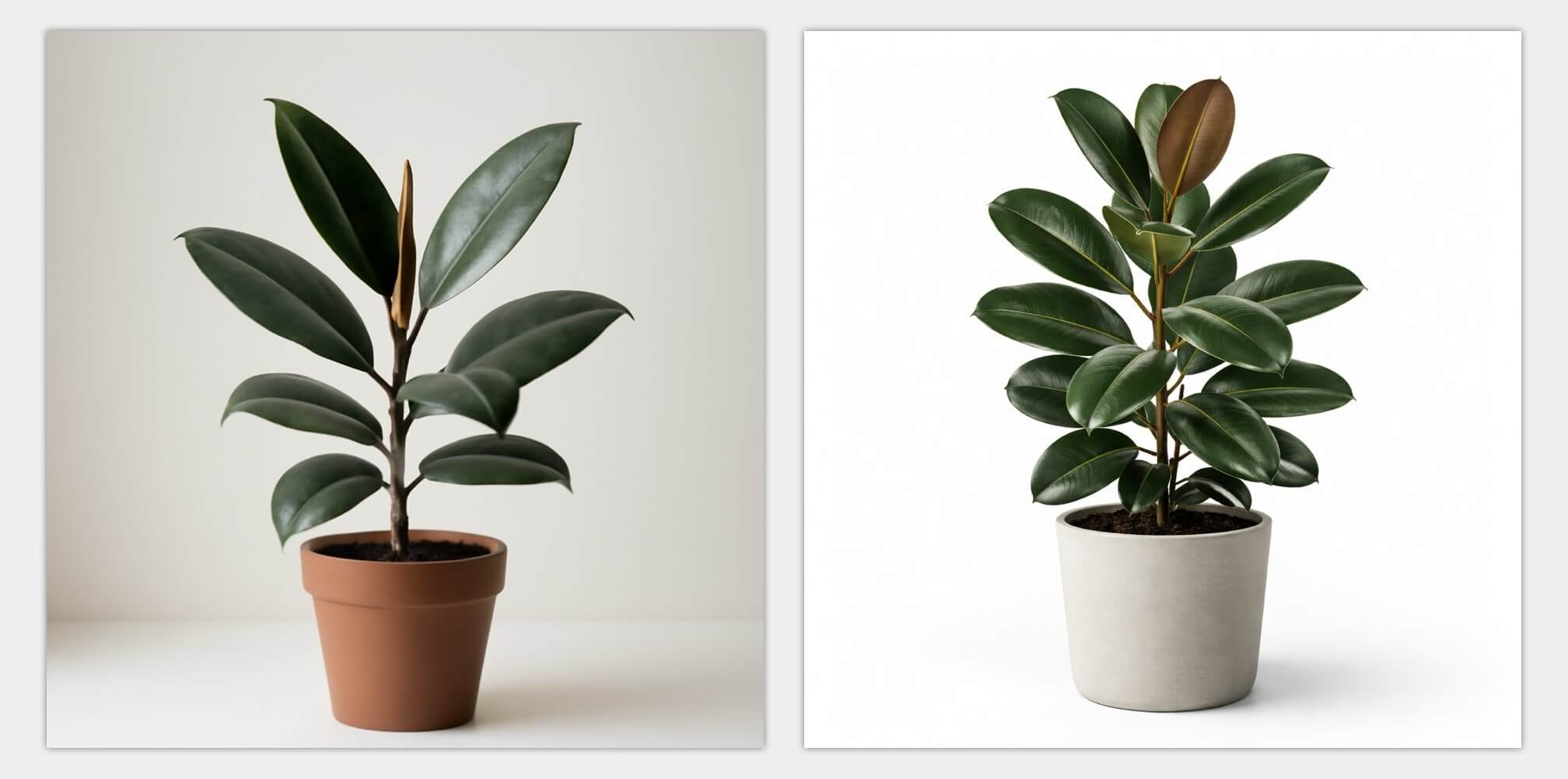
Here’s one example for a rubber plant. GPT Image 1.5 (right) has a much more appealing output, and the background is more evenly lit.
As I generate more images from AI, I noticed something interesting: the generated image is sometimes superior to an actual photograph, precisely because of how unrealistic it is. Take one example with the strawberries below: the generated image shows the shape of the bush, the foliage, the fruits. There is also green, unripe fruits that dangle, as well as snow-white blooms from it. It may be impossible to photograph a strawberry plant in reality, where different traits are shown in one setting.
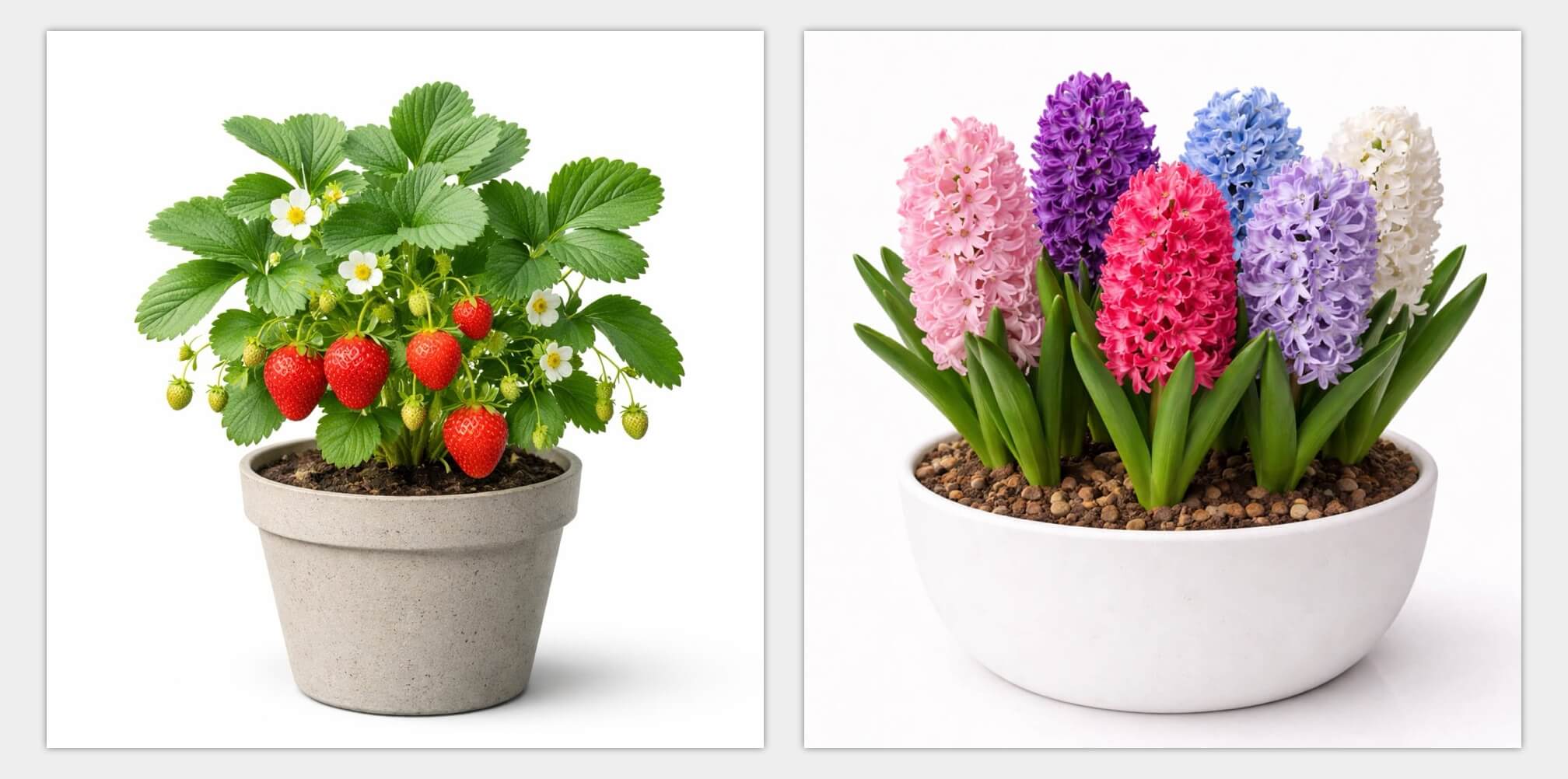
Another example is the hyacinths. There are many cultivars to this species. GPT Image placed multiple flowers of different colours — assorted, so to speak — together in one clean container. This would feel inclusive to many users who may have quite different colours in their hyacinth container.
Give AI some freedom of “creativity”
Image generation is mathematically a process of denoising, so I put creativity in quotes. But the analogy applies: instead of giving AI very specific instructions, micromanaging everything, I was better off by telling it my purpose and use case of the images.
My old prompt went:
Generate a plant of (insert name), planted by itself in a terra cotta container, set in a clean, white background. Use realistic styles as if we are taking a professional photograph.
AI would take my words verbatim, and would really go hard on the terra cotta container, and draw only one plant. Imagine the loneliness of one tulip in a small container.
My new prompt specifically gives AI some freedom, and tells it what the generated image is for:
A realistic, high-quality photo of a (insert name) in a simple plant pot on a clean white background. Avoid plastic-looking containers. You may use a larger pot or planter that’s commonly found on a balcony garden.
If the said plant is herb, veggie or fruit, place a harvested produce in front of the container, positioned slightly to the right. This generated image is to help user identify items from a library of common plants.
And AI really gave me some pleasant surprises:
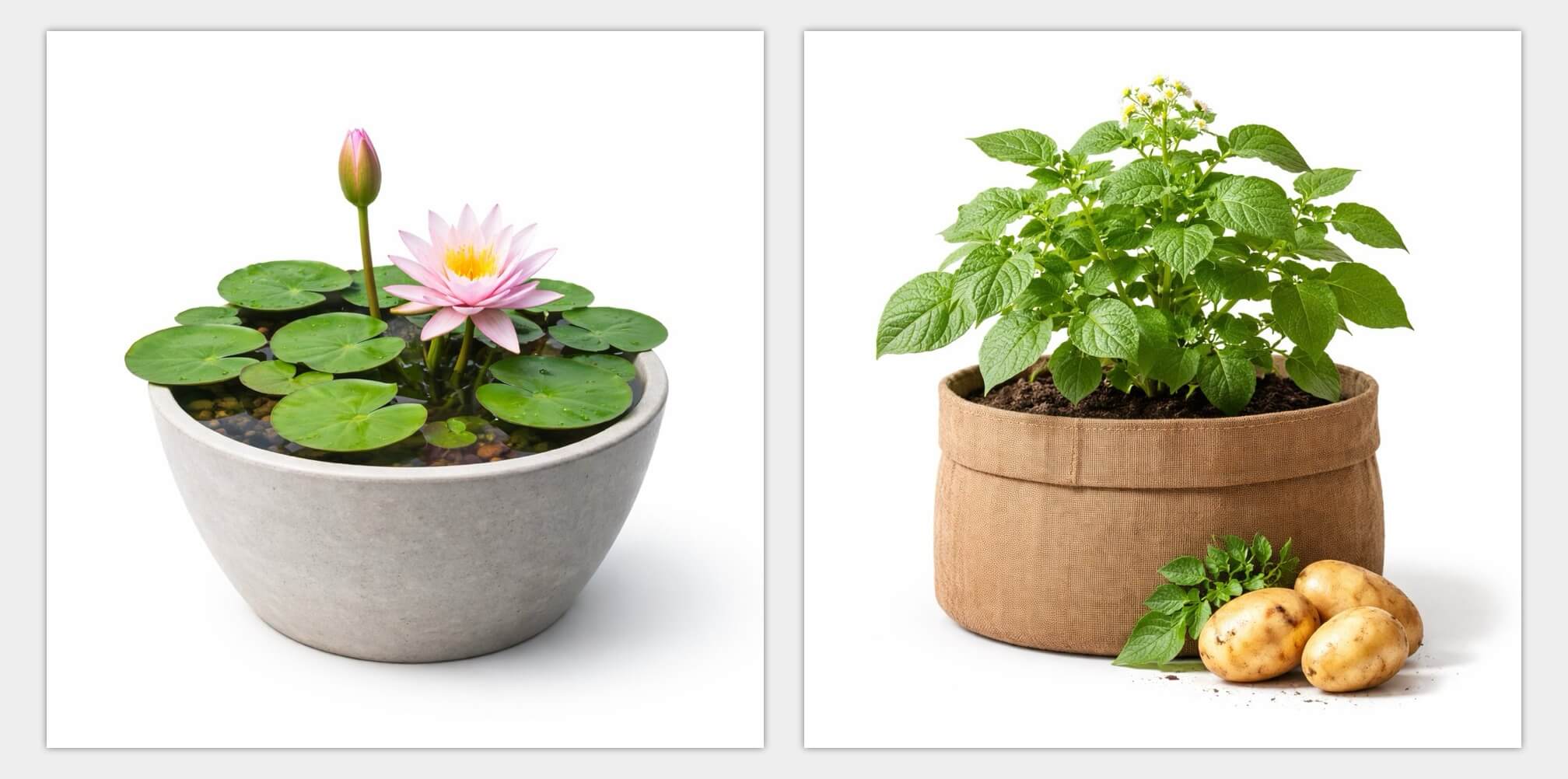
The lotus is kept in a shallow, seemingly waterproof pot of water. The potatoes grow from a large grow bag. I also end up with beans and eggplants that climb on trellis.
By avoiding any specific instructions, I removed myself from the micromanaging driver seat, and put AI in charge. It turned out AI is a much better decision maker when it comes to composition.
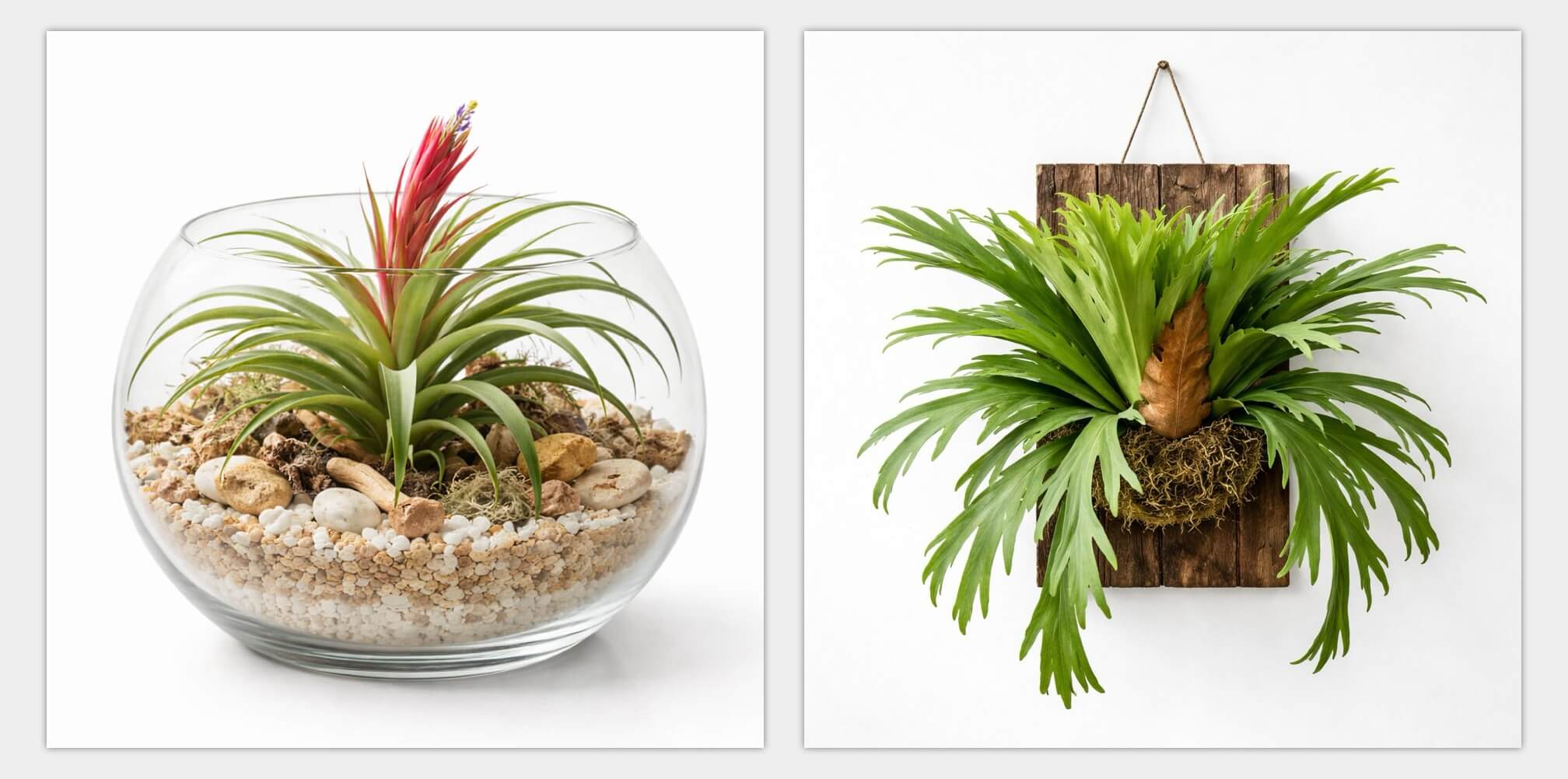
I did end up doing some edge cases: I asked for the Air Plant to be in a glass terrarium-like container, and the Staghorn Fern to be mounted. I also manually did one for Mini Monstera, because the first pass wasn’t “mini” enough when standing side by side with Monstera proper. But those are rare, and arguably very worth the manual special treatment.
Back to the ceiling talk
There’s a version of this story that’s about AI. But I think the more accurate version is about what solo development used to cost versus what it costs now.
Three years ago, rebuilding the library to a real standard was a legitimate month-long project. That’s a real cost for a solo developer, both in time and money. So it stayed in the backlog. The ceiling wasn’t my skill or my interest — it was the time cost of the mechanical work.
That ceiling is higher now — not gone, not irrelevant, but higher. And the effect isn’t that I’m working less. It’s that I can close gaps I would have previously just lived with. I can ship things I would have deprioritized indefinitely.
AI isn’t replacing my craft. It merely gave me leverage, and access to resources that were only imaginable for mega corporations.
Until next time ✌️