While rebuilding PowerTimer this year, I had to answer a deceptively simple question: when a timer syncs over iCloud, what exactly should sync?
The thought process turned out to be short. Syncing timer definitions — the names, icons, and step sequences users put real effort into — is the single biggest value iCloud adds to a timer app. Nobody has ever asked for a running countdown to sync. And it shouldn’t: CloudKit is eventually consistent, and a sync delay that’s invisible on a note is the whole egg on a 3-minute egg timer. Offline conflicts (paused on the phone, reset on the iPad) have no right answer, and a synced run would make every device fire the same alarm. So the split isn’t between kinds of data so much as between two questions: what does syncing actually add, and what can CloudKit actually be relied on for? The definition passes both tests; the run fails both.
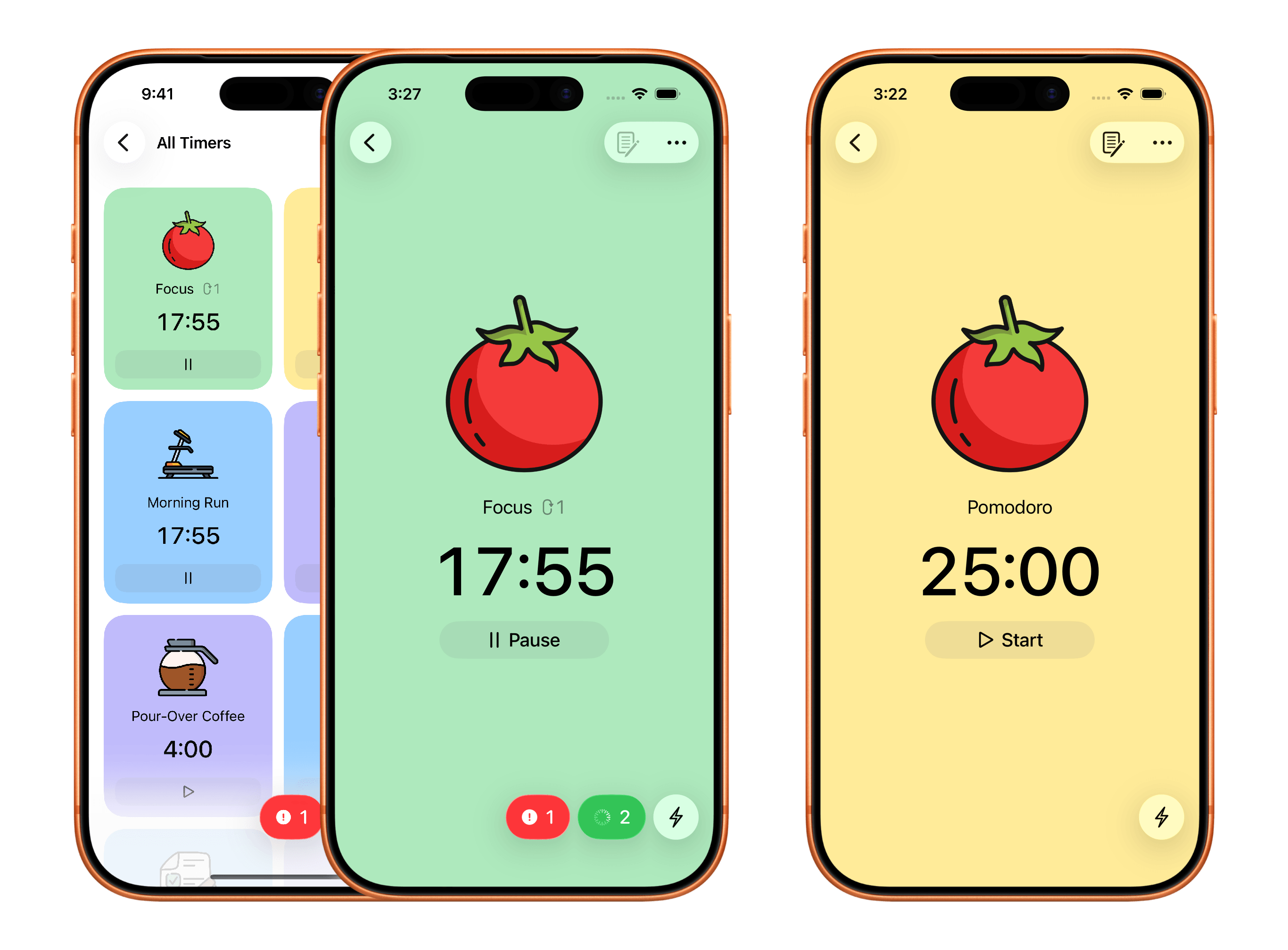
So the rebuild splits the timer into two entities — RTTimer for the definition, RTSession for the run — living in two persistent stores behind a single managed object context. This post is a walkthrough of that setup. PowerTimer is my worked example, but the pattern is the point.
The pattern: one model, two configurations
Here’s the constraint that shapes everything: CloudKit mirroring is per-store, not per-record. NSPersistentCloudKitContainer gives you no way to flag individual objects as “don’t sync this one.” If part of your data must stay on device, it has to live in a different persistent store. Which sounds drastic — until you meet configurations.
A single .xcdatamodeld can define multiple configurations — named subsets of its entities. PowerTimer’s model has two:
- Cloud —
RTTimer,RTUserGroup(the folders) - Local —
RTSession
Then one NSPersistentCloudKitContainer loads two store files, and only the cloud store gets CloudKit options:
let local = NSPersistentStoreDescription(url: baseURL.appendingPathComponent("Local.sqlite"))
local.configuration = "Local"
// No CloudKit options ⇒ this store never leaves the device.

let cloud = NSPersistentStoreDescription(url: baseURL.appendingPathComponent("Cloud.sqlite"))
cloud.configuration = "Cloud"
cloud.cloudKitContainerOptions =
    NSPersistentCloudKitContainerOptions(containerIdentifier: "iCloud.net.tengl.powertimer")

container.persistentStoreDescriptions = [local, cloud]
flowchart TD
    ui["App UI"] --- ctx["Managed Object Context"]
    ctx --- container

    subgraph container["NSPersistentCloudKitContainer"]
        direction LR
        subgraph cloudConfig["Cloud.sqlite"]
            timer[["RTTimer"]]
            group[["RTUserGroup"]]
        end
        subgraph localConfig["Local.sqlite"]
            session[["RTSession"]]
        end
        timer -. "Timer UUID" .- session
    end
Here’s the part I find elegant: the app still works with one viewContext. Insert an RTSession, and Core Data routes it to the local store because that’s the only configuration containing the entity. Insert an RTTimer, it lands in the cloud store. Fetch requests, fetched results controllers, @FetchRequest in SwiftUI, a single save() — none of them know or care that there are two SQLite files underneath. The duo-model setup costs almost nothing at the call site.
In code, this is how the container is set up:
let modelName = "Your Model Name"
let cloudKitContainerID = "iCloud.com.example.app"

let model: NSManagedObjectModel = {
    let url = Bundle.main.url(forResource: modelName, withExtension: "momd")!
    let m = NSManagedObjectModel(contentsOf: url)!
    return m
}()

let container = NSPersistentCloudKitContainer(name: modelName, managedObjectModel: model)

let baseURL = Self.fileDirectoryURL()

// Local store — RTSession only. No CloudKit options ⇒ stays on device.
let local = NSPersistentStoreDescription(url: baseURL.appendingPathComponent("Local.sqlite"))
local.configuration = StoreConfig.local

// Cloud store — RTTimer + RTUserGroup, mirrored to CloudKit.
let cloud = NSPersistentStoreDescription(url: baseURL.appendingPathComponent("Cloud.sqlite"))
cloud.configuration = StoreConfig.cloud
cloud.cloudKitContainerOptions =
    NSPersistentCloudKitContainerOptions(containerIdentifier: cloudKitContainerID)
cloud.setOption(true as NSNumber, forKey: NSPersistentHistoryTrackingKey)
cloud.setOption(true as NSNumber, forKey: NSPersistentStoreRemoteChangeNotificationPostOptionKey)

container.persistentStoreDescriptions = [local, cloud]

container.loadPersistentStores { description, error in
    if let error = error as NSError? {
        fatalError("Unable to load store '\(description.configuration ?? "Default")': \(error), \(error.userInfo)")
    }
}
The alternatives I considered
For a discussion to be honest it should name the roads not taken:
- One synced store for everything. The default path, rejected above. Beyond the conflict and notification problems, it means every long-expired session ghost travels to every device the user owns, forever.
- Two containers, two contexts. Real isolation — and now every screen that shows both halves juggles two contexts, two save paths, and merged change notifications. The whole appeal of the configurations approach is that the isolation lives in the store layer while the object graph layer stays whole.
- Kicking the run state out of Core Data entirely — a file, or
UserDefaults. Tempting for something this small, but the timer grid is driven by fetch requests reacting to session inserts and deletes (more on that below). Leaving Core Data means rebuilding that change observation by hand.
The catch: no relationships across stores
Core Data will not model a relationship between entities in different stores. No timer.sessions, no inverse, no cascade delete. The compiler won’t stop you from wanting it; the model editor will.
So the link is a plain attribute:
// RTSession
@NSManaged var timerUUID: UUID?   // the owning RTTimer, if any
And “give me this timer’s session” is a fetch, not a property:
let request = RTSession.fetchRequest()
request.predicate = NSPredicate(format: "timerUUID == %@", timer.uuid as CVarArg)
request.fetchLimit = 1
let session = try? context.fetch(request).first
This sounds like a downgrade, and mechanically it is. But the loose coupling forces three design decisions that I now consider features of the pattern, not workarounds:
The session copies the timer, wholesale. When a timer starts, the session takes its own copy of the name, colour, icon, and the full step configuration — a running session never reaches back into its timer. This matters more than it first appears, because the cloud store keeps receiving edits while a session runs: rename the timer on your Mac mid-run, and the sync lands on the iPhone’s cloud store within seconds. The running countdown doesn’t care. It finishes on the configuration it started with, and the updated definition simply applies to the next run. Without the copy, every incoming sync would be a potential race against a live countdown; with it, “eventually consistent” is good enough, because nothing time-critical ever reads the synced side.
Orphan sessions cost nothing. A session whose timerUUID is nil is perfectly valid — that’s how PowerTimer’s ad-hoc “flash timers” work, with no saved timer behind them. In a relationship-based model, that’s a special case begging for a dummy parent. Here the capability falls out of the architecture for free.
The UI unifies the halves with a sum type. Any screen that shows both saved timers and orphan sessions needs a list type that is neither entity:
enum TimerBacking: Hashable, Identifiable {
    case timer(UUID, RTTimer)
    case session(UUID, RTSession)
}
A view model matches sessions to timers by UUID (a dictionary lookup) and hands SwiftUI a flat [TimerBacking]. This is the pattern’s UI-side cost made explicit: the join that Core Data won’t do for you happens here, in memory, on your terms.
How SwiftUI hears about the other store
This one tripped me for a while, so it gets its own section: starting a session doesn’t touch the timer. With a real relationship, a view observing an RTTimer re-renders when timer.sessions changes, because the relationship is a property of the object. With a UUID link, inserting an RTSession changes nothing on the timer — @ObservedObject var timer sits there, blissfully unaware, showing a Start button for a timer that’s already running.
The answer is to stop observing objects and start observing queries. Every view that cares about a run declares its own @FetchRequest, scoped by predicate. Even a lone toolbar button:
/// "Edit" button that disables itself while the timer has a live session.
struct ConfigureButton: View {
    @ObservedObject var timer: RTTimer
    @FetchRequest private var sessions: FetchedResults<RTSession>

    init(timer: RTTimer) {
        self.timer = timer
        _sessions = FetchRequest(
            entity: RTSession.entity(),
            sortDescriptors: [],
            predicate: NSPredicate(format: "timerUUID == %@", timer.uuid as CVarArg)
        )
    }

    var body: some View {
        Button("Edit") { /* … */ }
            .disabled(!sessions.isEmpty)   // re-evaluates the instant a session appears
    }
}
@FetchRequest wraps a fetched results controller, which watches the context for inserts, deletes, and updates matching the predicate — regardless of which store they land in. When a session appears, exactly the views that declared interest re-evaluate. No notification plumbing, no view-model fan-out.
The habit this builds is abundant, narrowly scoped fetch requests. The timer card owns two — the timer by uuid, the session by timerUUID. The edit and delete buttons each own one. It felt extravagant at first; in practice it’s a handful of indexed lookups on a UUID column. SwiftUI’s currency is dependencies, and a fetch request is how you declare a dependency on data your object graph refuses to know about.
The fine print
Details you’ll hit in practice that no single documentation page spells out:
- One model, per-store migration. Both stores share the
.xcdatamodeldand its version history, but each SQLite file migrates on its own schedule. An entity moved between configurations is a store-level migration, not a rename — plan model surgery accordingly. - Tests and previews want a third, combined configuration. For the in-memory store there’s no reason to split; one
NSInMemoryStoreTypedescription on the “Default” configuration holds all entities, and the same code paths run against it. - Query generations are SQLite-only. Pinning the context to a stable snapshot (useful when CloudKit imports land mid-fetch) silently doesn’t apply to the in-memory variant — guard it, don’t assume it.
What it costs
An honest ledger, because nothing above is free:
- Cascade deletes are manual. Deleting a timer means fetching and deleting its sessions first. Forget once, and a ghost session haunts the Running list. (Ask me how I know.)
- Referential integrity is on you. CloudKit can deliver a timer whose session-side partner never existed on this device, or dedup timers in ways that would break a hard relationship. The UUID link shrugs at all of it — which is the point, but it means every lookup handles the “not found” case.
- You give up
NSFetchedResultsControllerjoins. Anything that needs both sides — “which timers are running?” — is an in-memory merge of two fetches.
When this pattern doesn’t fit
- If your two halves genuinely need rich relationships and store-level joins — many-to-many, cascading graphs, fetch requests spanning both — the UUID seam will fight you at every turn. Keep one store and accept that everything syncs.
- If the run-state equivalent in your app actually should travel — a reading position users expect on every device, say — then it fails neither of the two tests, and it belongs in the synced store with real conflict-resolution thinking behind it.
- If the local half is one scalar, a store is overkill.
UserDefaultsexists.
For PowerTimer the ledger comes out clearly positive. The run state is exactly as disposable as it should be, and iCloud carries only what deserves to travel.
The takeaway
Don’t let data share a sync boundary just because it shares a screen. Ask two questions of every entity: does syncing it add value, and can CloudKit’s eventual consistency honour it? Where the answers split, split the stores — CloudKit mirrors per-store, and Core Data configurations let you cut at exactly that grain while keeping a single-context programming model.
You just have to respect the seam: link by value, copy at the boundary, observe queries instead of objects, and clean up after yourself, because the framework no longer will.